Social video creators and YouTubers
Remix existing footage, swap backgrounds, and stay visually consistent across every shot, just by describing the change. Ideal for YouTube Shorts and YouTube Create.
Google DeepMind's Gemini Omni turns text, images, audio, and video into polished clips. Create, remix, and refine scenes with consistent motion and real-world coherence. Ideal for social content, product videos, and concept visualization.
Generate a video to see the preview in this area
Gemini Omni is Google DeepMind's natively multimodal AI video model — built to understand and generate across text, images, audio, and video in one unified workflow.
Combine text-to-video, image-to-video, audio-to-video, and video-to-video in a single generation. Start from prompts, reference images, phone footage, or audio clips without switching tools.
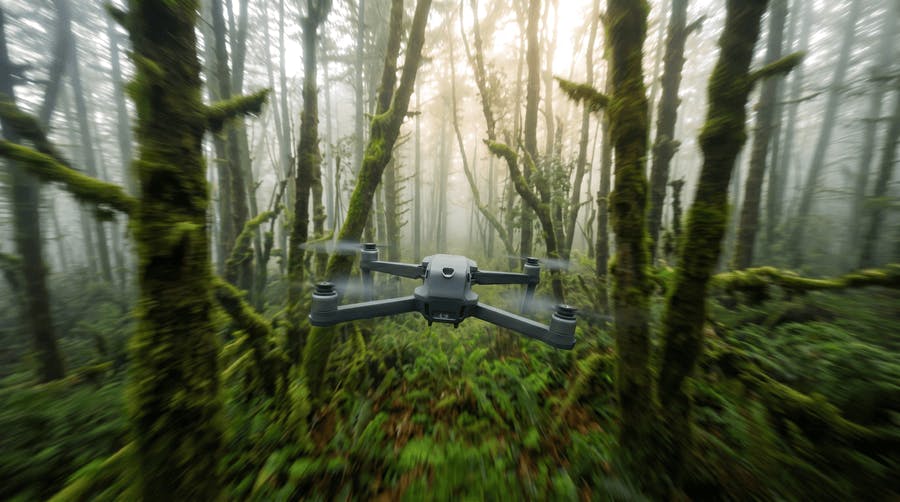
Gemini Omni's drone shot effect turns a still photo into a cinematic aerial clip, with the camera pulling up and away from your subject like a real drone pass — with smooth motion where most models break apart.
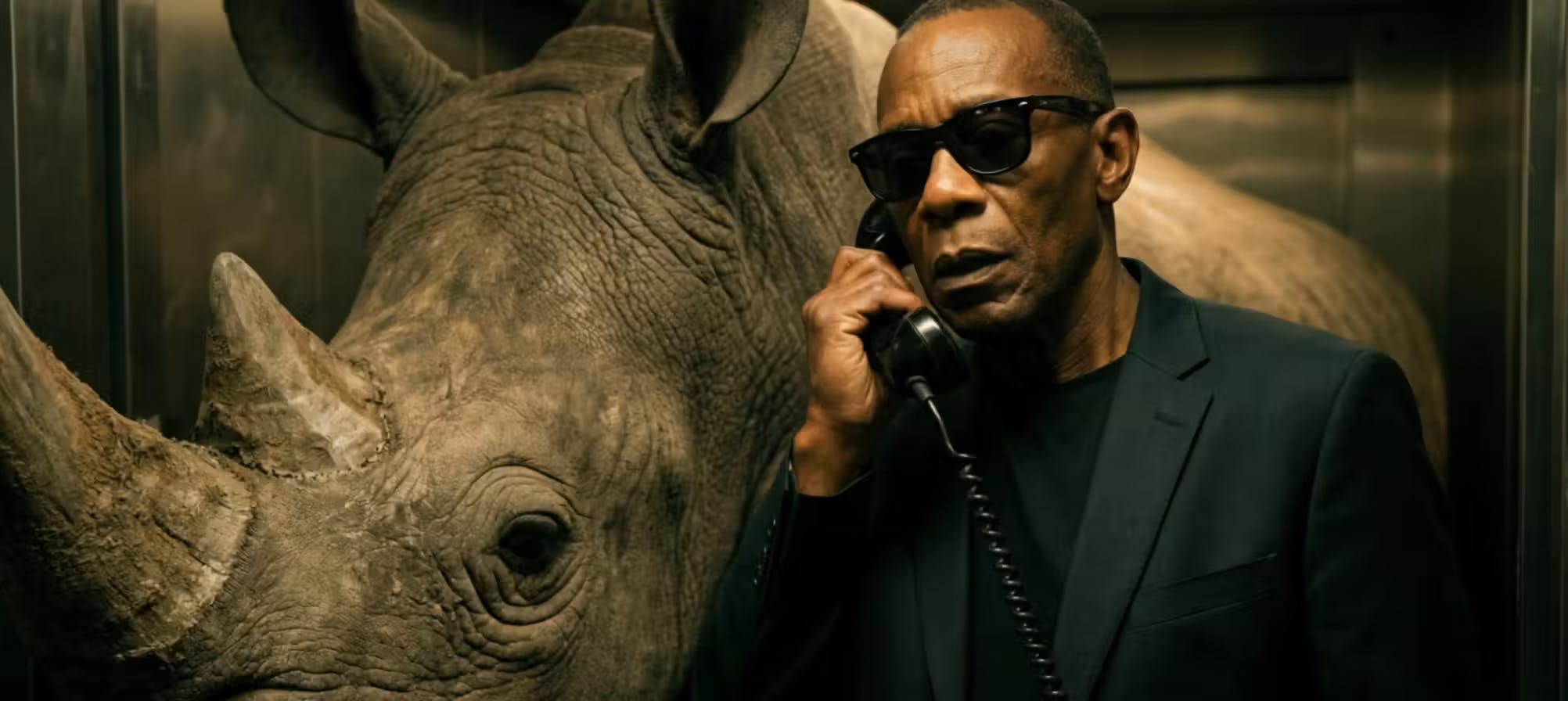
Each turn retains characters, lighting, props, and scene layout from previous edits. Change wardrobe or background without restarting the scene — you're directing forward, not from scratch.
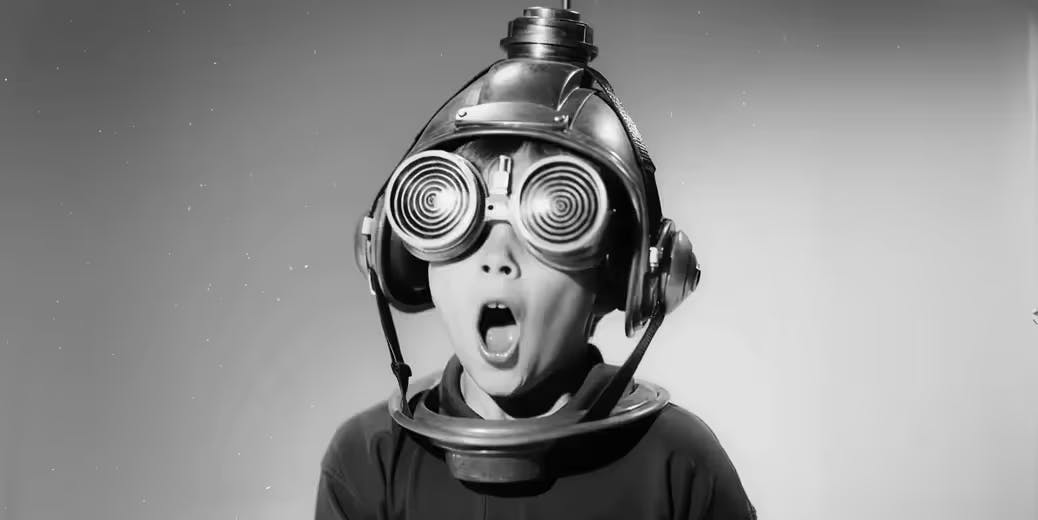
Fast-moving shots tend to fall apart in other models. Gemini Omni handles orbits, dives, and fly-throughs with steadier physics and cleaner shape continuity.
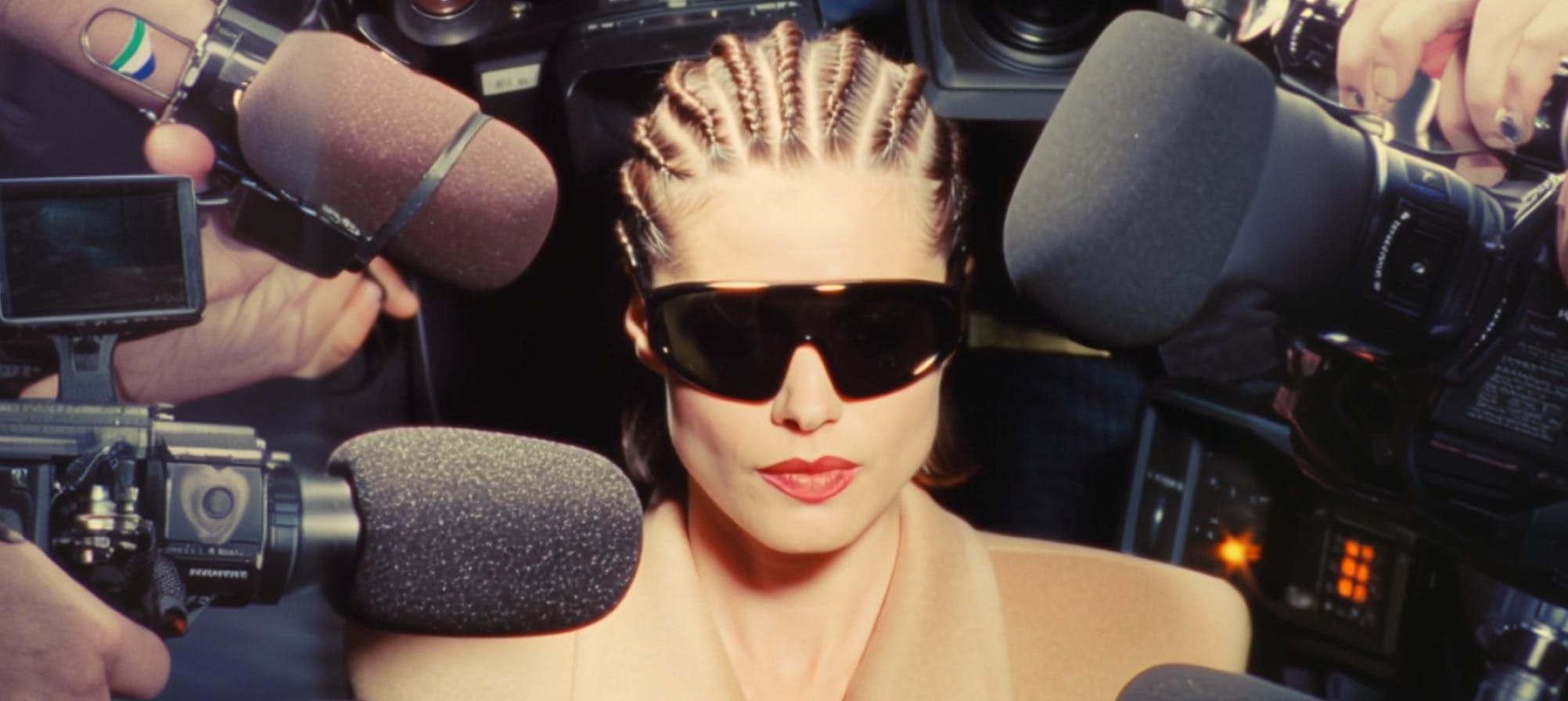
Native output covers most social and digital assets without extra steps. Generate quickly for Shorts, ads, explainers, and concept visualization, then polish in post when needed.
Explore tutorials and creative use cases for AI video generation. Learn how to turn prompts, images, and footage into polished clips using Gemini Omni.
Go to the generator below to start creating with Gemini Omni — upload reference media or begin with a text prompt.
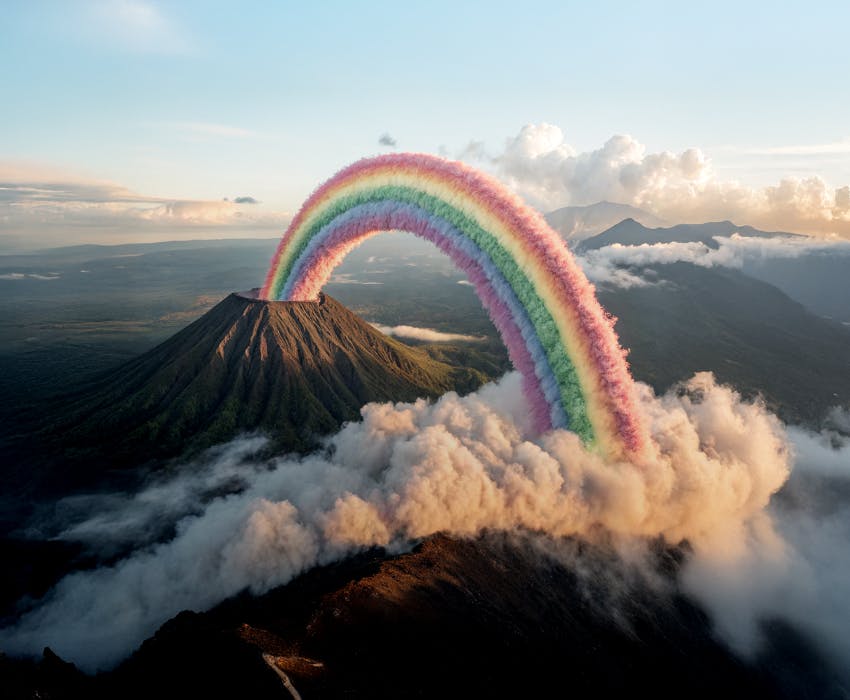
Gemini Omni is built for video creators, educators, and marketers who need to produce and edit high-quality video fast, without a full production crew or complex software.
Remix existing footage, swap backgrounds, and stay visually consistent across every shot, just by describing the change. Ideal for YouTube Shorts and YouTube Create.
One prompt can produce a claymation or animated explainer grounded in real-world science — from protein folding animations to historical recreations.
Product stays consistent. Everything else is changeable. Swap the background or setting to generate ad variants without a reshoot or extra talent.
Gemini Omni's drone shot effect turns a still photo into a cinematic aerial clip, with the camera pulling up and away from your subject like a real drone pass. This model keeps fast motion smooth where most models break apart, holding steady through orbits, dives, and fly-throughs.
Gemini Omni changes the editing dynamic more than it changes the output. In practice, that means a different way of working — some things become faster, and some constraints become clearer.
Each turn retains the characters, lighting, props, and scene layout that came before. So a wardrobe change in turn two doesn't undo what you set up in turn one. Unlike most video generation, you're directing a scene forward, not restarting it each time.
Drop in phone footage, a reference image, or an audio clip — anything to get started. All input formats feed into a single generation, so you're working from what you already have instead of building from a blank prompt.
Fast-moving shots tend to fall apart in other models. Shapes morph, movement looks floated, physics feels off. Gemini Omni handles these well and works best when each clip is built around a single moment.
Native output covers most social and digital assets without extra steps. For higher resolution, generate in Gemini Omni and finish in post. If you need a full-resolution hero asset on the first generation, Seedance 2.0 is a strong alternative.
Multiple AI video models, each built for different creative needs — from multimodal editing to cinematic storytelling and rapid iteration.
Google DeepMind's natively multimodal video model — create and refine from text, image, audio, and video with iterative conversational editing.
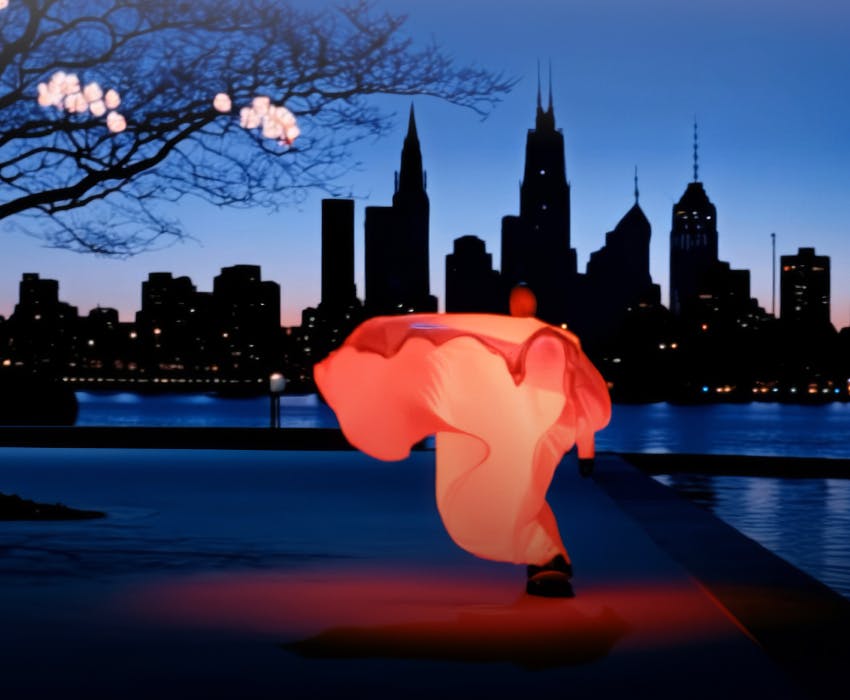
Short-form cinematic storytelling with native audio, multi-shot control, and up to 4K output for integrated audiovisual workflows.
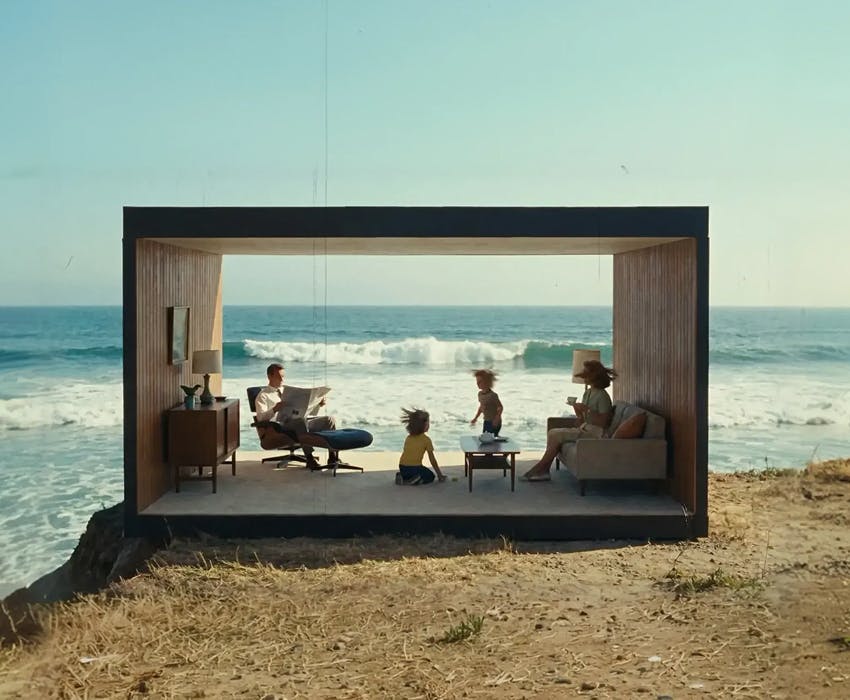
Multimodal AI video with multi-reference, image-to-video, and text-to-video workflows for fast cinematic iteration.
Google's flagship video model for high-fidelity generation with strong prompt following and cinematic output quality.
Explore tutorials and creative use cases for AI video generation. Learn how to turn prompts, images, and footage into polished clips using Gemini Omni.
Still have questions? We're here to help.